1
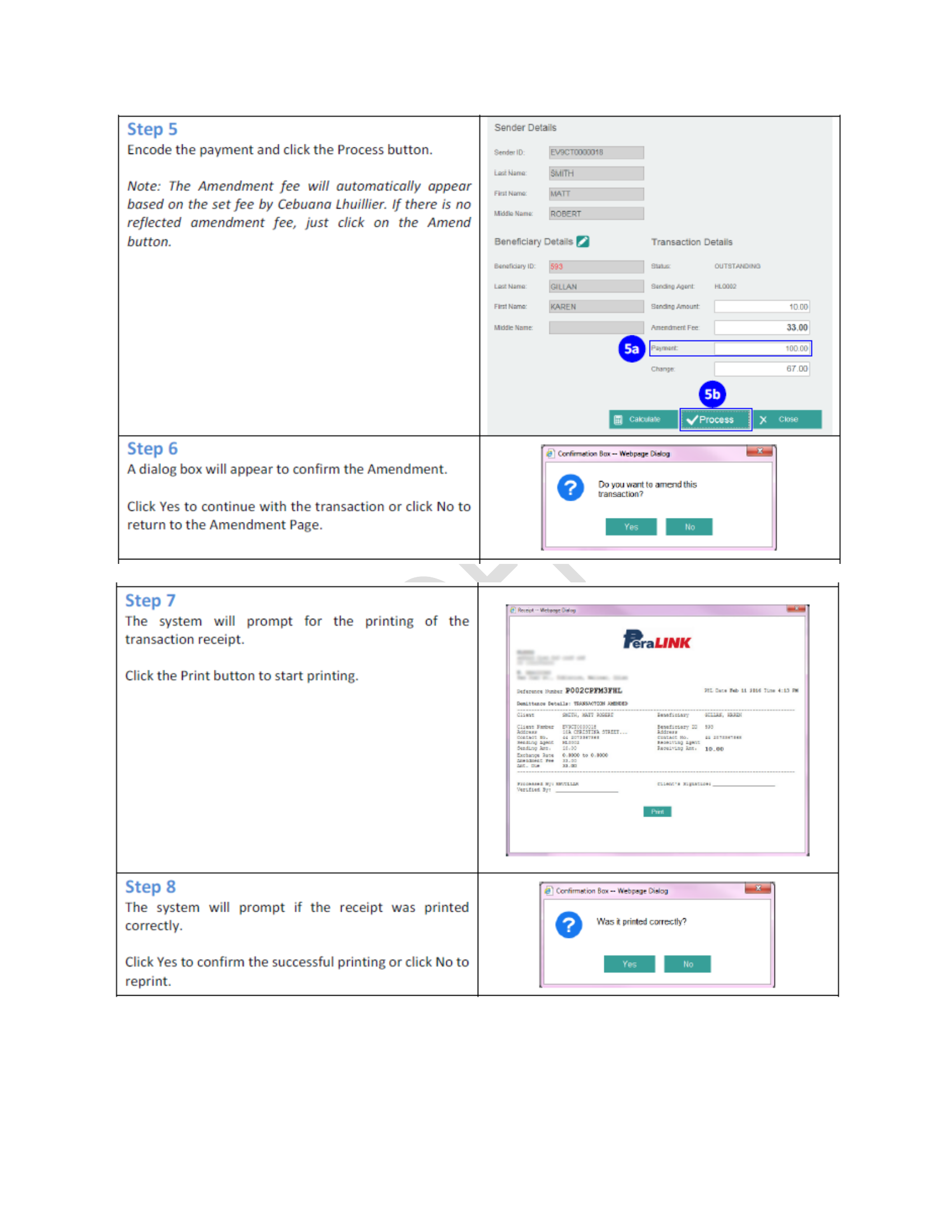
Navigate to Send
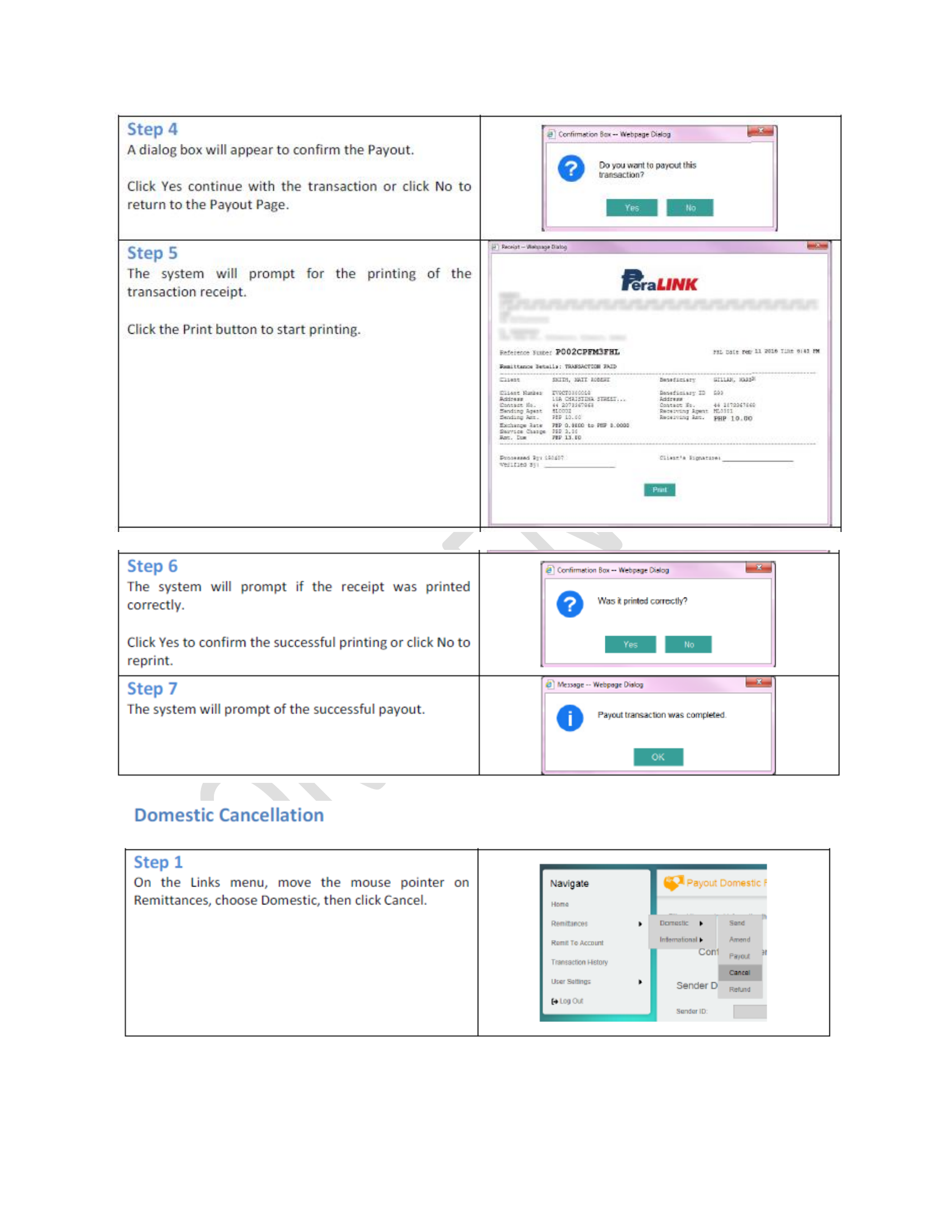
From the navigation menu, hover over Remittances → Domestic → Send. The Send Domestic Remittance page will open.
2
Search or Add Sender
Click the ✏️ pencil icon next to Sender Details. Search by first name and last name. If found, double-click to select. If not, click Add.
💡 Include Date of Birth (mm/dd/yyyy) to narrow results.
3
Create Sender Record
Fill in: First Name, Last Name, Date of Birth, then Country, Address, Cell Phone, Source of Fund. Click Save.
4
Select or Add Beneficiary
Click ✏️ next to Beneficiary Details. Double-click to select existing, or click New to register.
5
Encode Amount & Calculate
Select Currency, enter Sending Amount and Payment. Click Calculate — system auto-computes charges.
6
Process & Print Receipt
Click Process → Yes. Print receipt with Control Number. "Sending transaction was completed."
📋 Save the Control Number — needed for payouts, amendments & cancellations.
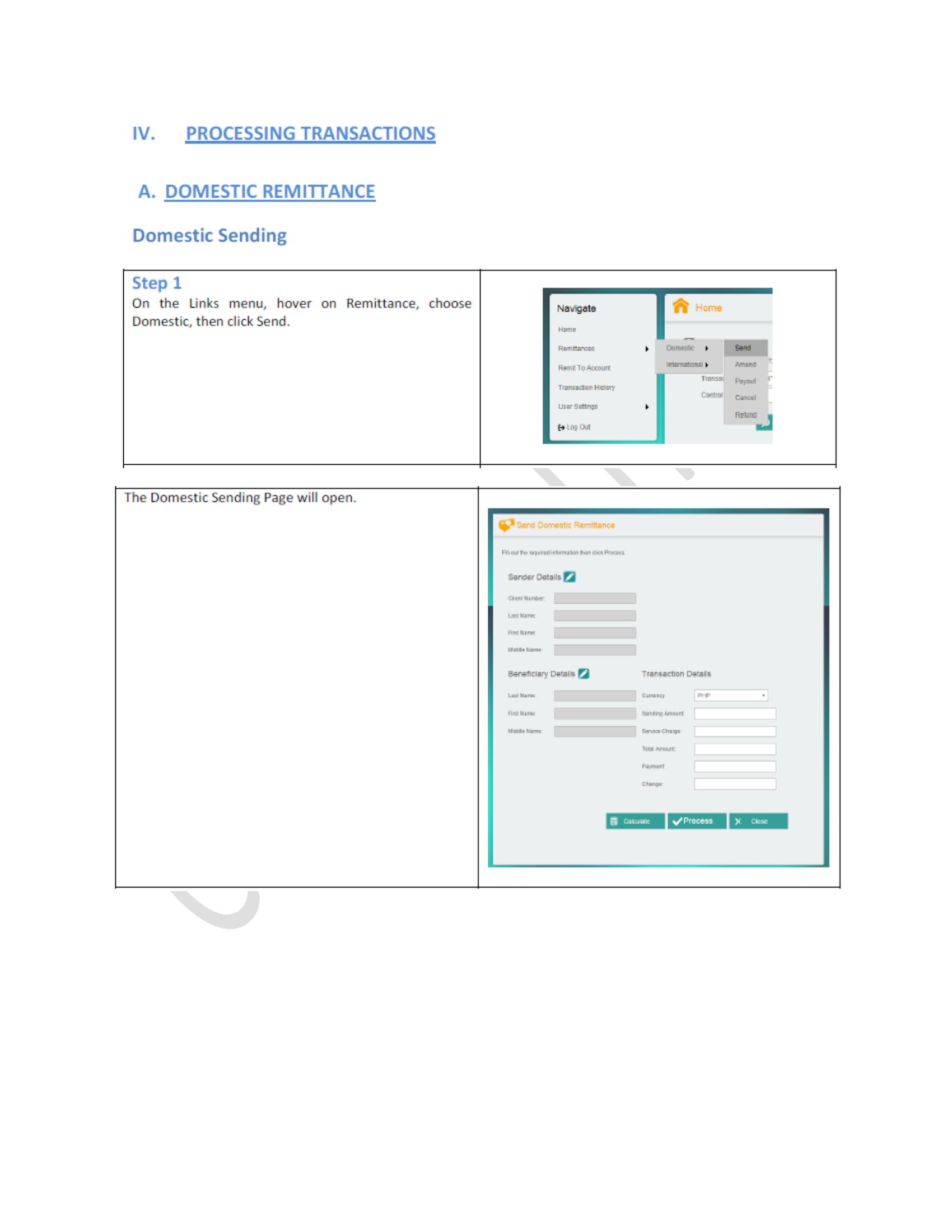
📸 Screenshot from the Peralink RAS User Manual